

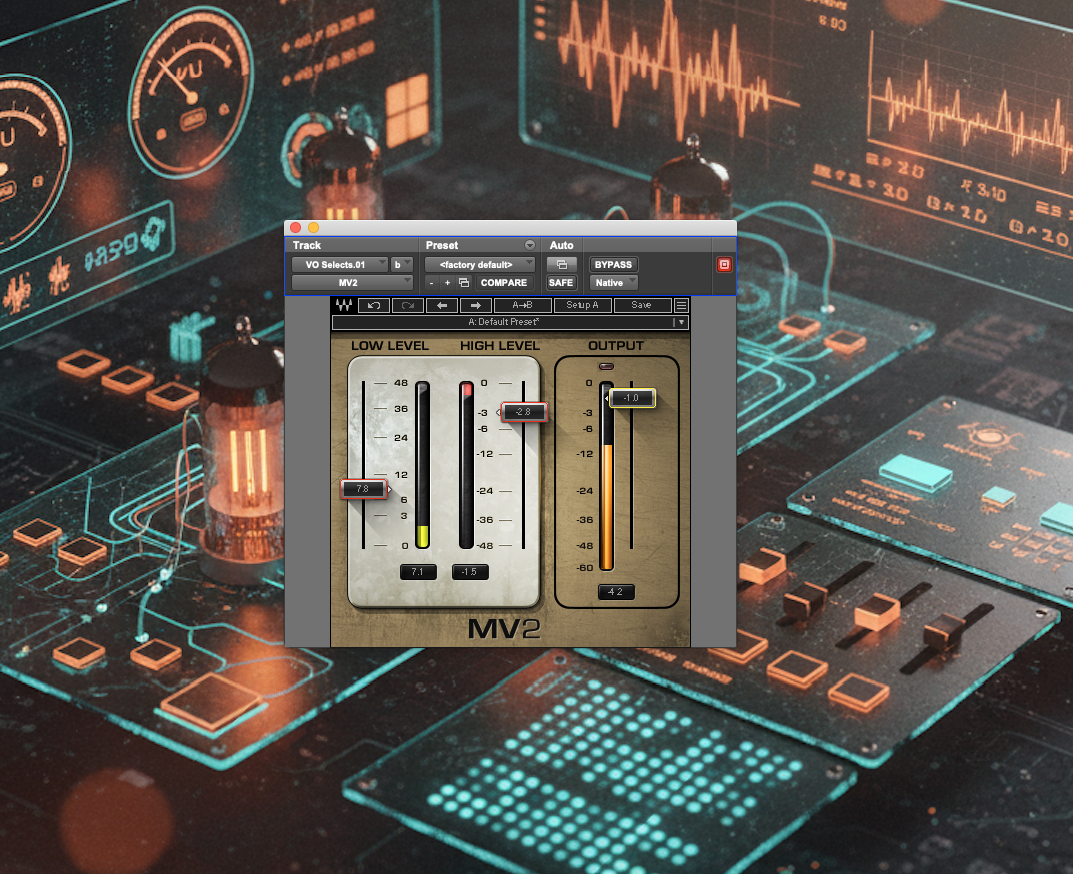
Waves describes the MV2 as the ‘simplest, most flexible way to control your sound’ and, with just two sliders to control upwards and downwards compression, at first glance it certainly looks simple. What’s it like to use, and how does it sound?
A very simple interface conceals a powerful set of compression algorithms lurking beneath the surface.
Admin
Waves claim that the MV2 brings out room ambience and detail, it adds body and it’s great for dialogue and post production work. I’ve found it to do all these things very well, very quickly and easily, and with low cpu usage. There’s no other plugin from Waves that’s quite like it; consequently it’s on most of my mixes, and sometimes even sits on my mic input channels.
Waves MV2 in more detail
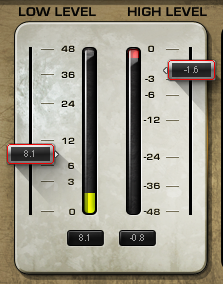
Visually, the plugin is split into two panels; the main grey area with twin meters, over to the left, controlling upwards and downwards compression amounts/thresholds, and the single-slider panel on the right (outlined in black) is an output attenuation control.
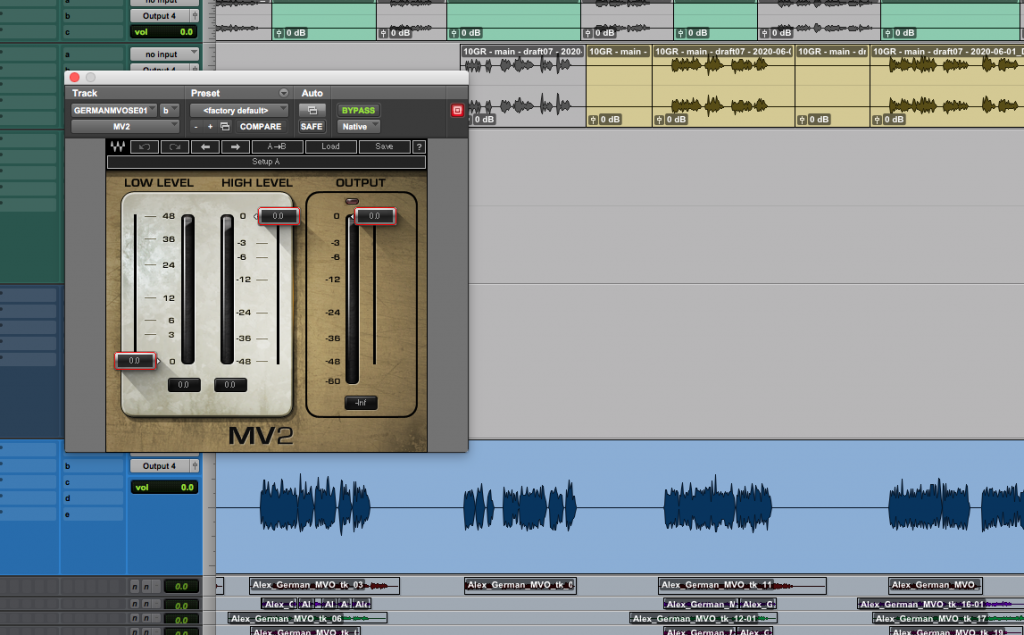
Looking at the left-hand panel, the HIGH LEVEL slider in the centre of the plugin controls a more traditional compression algorithm in the vein of (but not identical to) Waves’ R-Vox vocal compressor. More on that later, but the really interesting section of this plugin is on the left hand side.
The LOW LEVEL slider sets a threshold, below which signals are increased in volume. Move the slider up and quiet sounds get louder, little performance details become more audible, room ambience is increased (which can be a really good thing in the right circumstances) and sounds start to thicken. For such a simple interface the effect can be very powerful.
It’s a brilliant tool for getting a thicker vocal sound, for keeping vocals, and other highly dynamic instruments, present and clear, and for helping out with levelling the volume of tricky-to-balance tracks.
The MV2 in use
The LOW LEVEL slider on its own would make the MV2 a valuable mix tool, but add in the downwards compressor and you’ve got a really intuitive way of levelling and beefing-up pretty much anything you’d like to put through it.
I use the MV2 a lot on vocals. It’s great for a quick dose of heavy upwards compression and some light downwards compression to help keep a spiky voiceover sitting forwards in the mix for a TV or radio ad, and it’s equally at home bringing out all the little nuances of a powerfully delivered rock vocal that needs to hold its own in a busy and loud mix, or a highly dynamic piano or guitar part that’s at risk of getting lost behind other, more solidly present, instruments.
The HIGH LEVEL compressor, to my ear, isn’t quite the same as RVox, and so I’ll often find I’m using both MV2 and RVox on the same vocal. I can push RVox quite a bit harder into downwards compression then I can MV2 before things start to sound unpleasantly gritty. Perhaps the MV2 has a faster attack or a slower release, but I find it doesn’t keep quite as much life in a vocal as RVox does – plus RVox imparts an extra presence (perhaps a mild upper mid EQ boost) that isn’t so evident in MV2.
Audio Examples
In this guitar riff MV2 has brought up the level of the delay effect, previously getting a bit lost in the background:
In this funk sample MV2 has increased the volume of the vocal whilst leaving the peak level of the clap as it was:
In these drums MV2 has really brought out the articulation in the hi-hat playing, thickened the overall sound and added some ambience and excitement:
Final thoughts and cost
The MV2 is a brilliant dynamics plugin that’s capable of getting a lot of sounds much closer, dynamically, to where you need them to be with the absolute minimum of fuss. It’s quick and intuitive to use and it asks very little of your CPU.
As I write this, the MV2 is on sale for $29.99. It’s often at this price, so hold out for it if you’re tempted to buy outside one of Waves’ regular sales. It’s also sold as part of several plugin bundles; ‘Broadcast and Production’, ‘Sound Grid Essentials’, ‘Gold’, ‘Horizon’, to name just a few.
You’ll find all the details on the Waves website here:
https://www.waves.com/plugins/mv2
And, as always, there’s an excellent and in-depth manual here:
https://assets.wavescdn.com/pdf/plugins/mv2.pdf